Low-CarbonIndustry News
Retail Lighting Scene Scheduling Guide with Dimming Control for Supermarkets and Chain Stores
Introduction
This retail lighting scene scheduling guide with dimming control for supermarkets and chain stores solves the one question that decides payback before a luminaire is chosen: how should the same store look and dim across Trading, Stocking, Cleaning, Closed and Eco hours without a manager touching a switch. In one line, a scene is a saved set of per-zone dim levels, a schedule is a clock that recalls those scenes by weekday and calendar date, and dimming control is the way each recalled scene trims output — 1-100% flicker-free over BLE mesh or DALI — rather than switching off. Leave the store on one scene all day and supermarkets run 51kWh/m²·year the highest lighting intensity of any building type; put five scenes on three independent zones and Interact Retail reports 20-25% lighting energy cut from dimming scenarios alone, with LBNL meta-analysis pointing to about 24% occupancy, 28% daylight harvesting and 38% combined when the same schedules stack sensors. Our BLE mesh backbone for store schedules runs offline on 4000 nodes, while the companion track, linear and downlight mix for each scene is the fixture set each scene dims — for capability versus daily operation see the two guides together.
Why Schedules Beat Always-On in Supermarkets
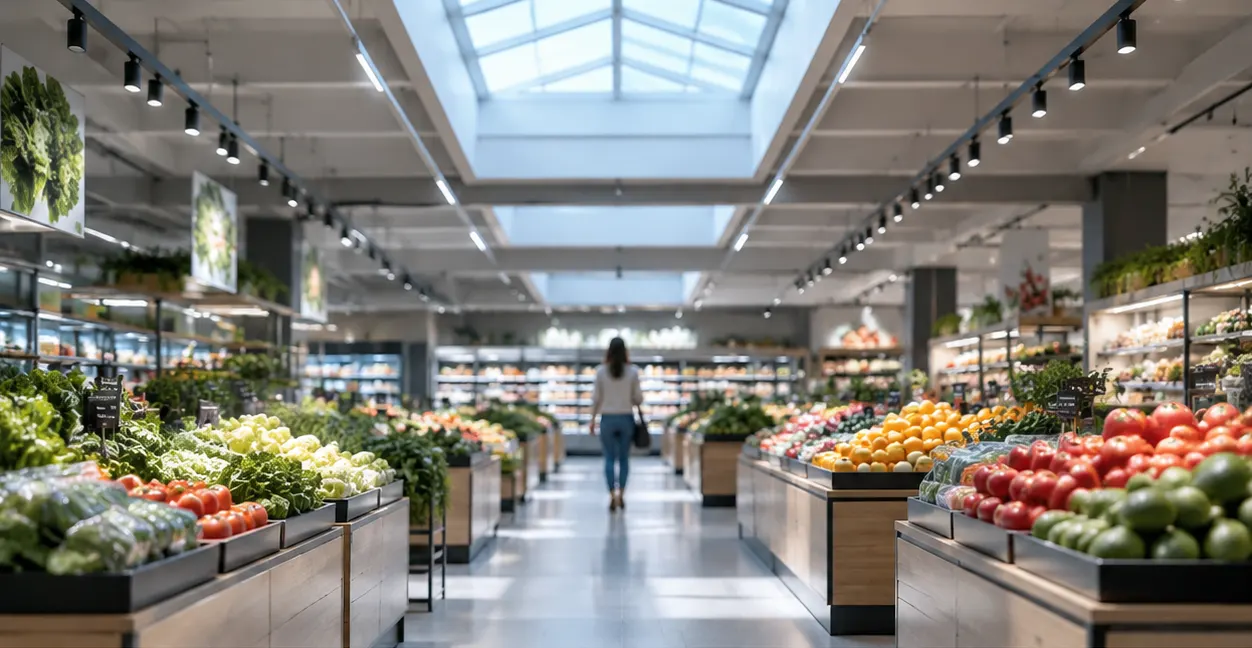
Supermarkets run 14 to 24 hours, and the sales floor is rarely full outside the lunch and after-work peaks. An always-on 100% store lights empty aisles, lit freezers and an idle back-of-house at peak lux through quiet hours, stocking bursts and the overnight restock loop. Scheduling moves the saving from lamp efficacy to time — the same 200 to 1000 light points of a 500 to 3000m² format stay at 100% only when shoppers are present.
- Time beats wattage — 75% fewer watts per head already versus halogen at 145lm/W, but four scenes below Trading together cover more hours than Trading itself, so trimming them 30-70% compounds.
- Zone beats store-wide — Sales Floor, Back-of-House and Outdoor have opposite needs at 22:00; one global dim level either blinds the restock aisle or leaves the plaza dark. Per-zone scenes let Trading stay 100% on the sales floor while stocking aisles hold and the office drops to 20%.
- Clock beats manual — UK 600-store estate data shows about £4.2M a year saved at half estate converted by moving from manager-led switching to centrally deployed scenes and schedules — the same Multisite software that pushes one Concept to hundreds of stores without a site visit.
- Dimming beats switching — smooth 0-100% with 0-6s fades keeps visual comfort while the store is occupied; switching the same zones off creates dark patches that read as closed and triggers complaints. DALI 64 addresses per bus and BLE mesh 4000 nodes both address individual zones for that reason.
Put the saving in kWh terms: a 30% cut on a 230-fitting, 20W-average supermarket running 12 hours saves about 16 kWh a day per store; times 600 stores and 360 days the clock, not the lumen, writes the business case. That is why every modern retail specification now names scenes and schedules before it names a driver — see the BLE mesh bulk commissioning guide for wiring-free pairing for how those scenes get bound to zones in one visit.
The Five Retail Scenes That Actually Run
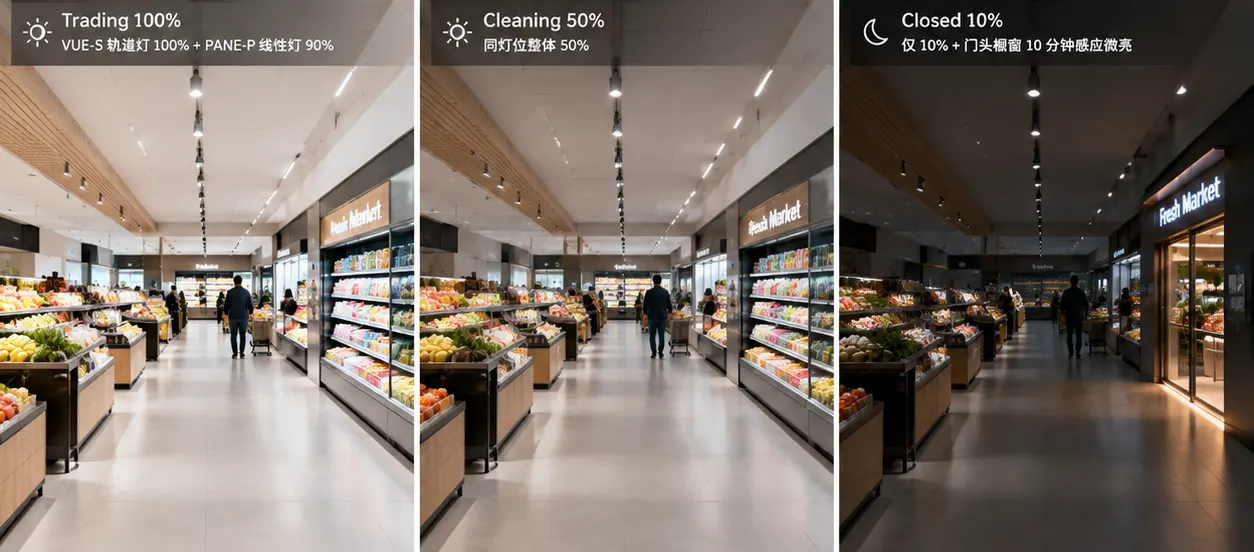
Industry templates converge on five — the same five Interact Retail documents as Trading, Stocking, Cleaning, Closed and Eco-Trading, and Dynalite Store Flex ships as eight visible presets with 64 hidden prepared. Copy them first; delete or add later.
| Scene | When it runs | Typical dim per zone | What shoppers or staff see |
|---|---|---|---|
| Trading | Open hours, peak and off-peak | Sales Floor 100% accent + 80-100% ambient; Refrigerated 90%; Office 70% | Full presentation, RGB or warm accent on promos, bakery warm 2700K, fish cooler tone |
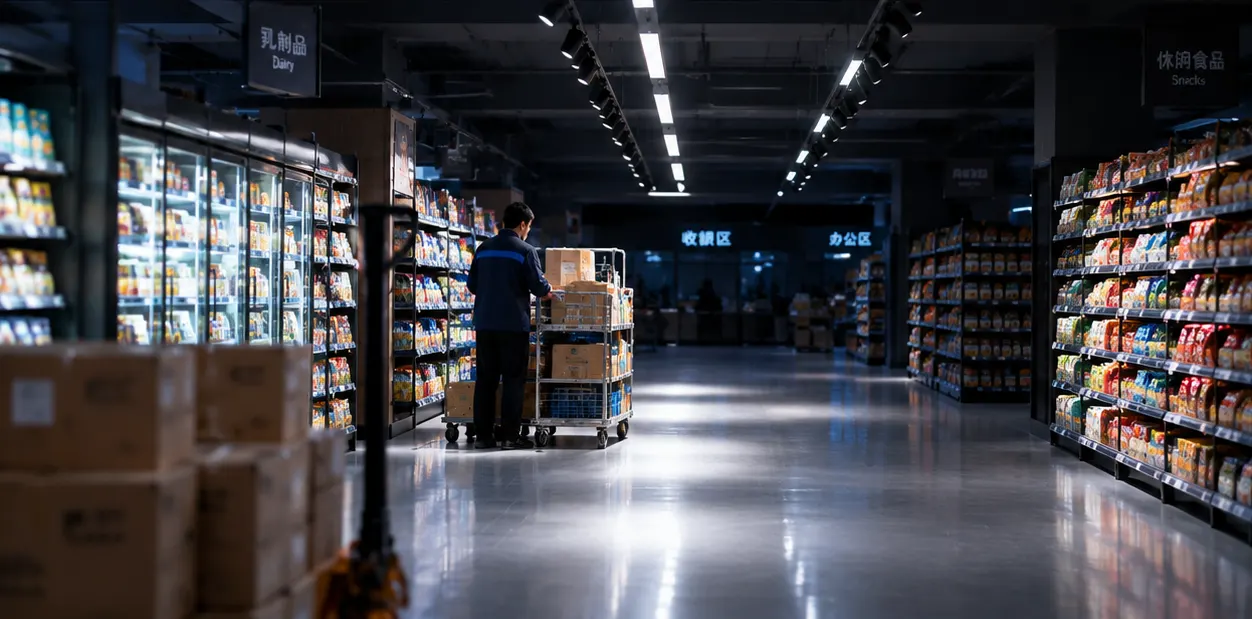
| Stocking | Pre-open and overnight bursts | Sales Floor 100% in aisle being filled, 30% nearby; Storage 100%; Cash registers off or 20% | Safe visual task where the cart is, low elsewhere — Swarm lifts cluster by cluster |
| Cleaning | After close, 19:01-20:00 typical | Sales Floor 50% general wash; Cash registers and Office 50%; Special lighting off | Even low wash for mops, not full trading glare — Store Flex cleaning vs stocking split |
| Closed / Night | 20:01 to open; shop window late | Sales Floor 10% or off with occupancy kick to 30%; Window occupancy 10 min hold then off | Pleasant low glow for passers-by, not a dark box; late window only on when presence at the glass |
| Eco-Trading / Eco-Stocking | Peak-tariff hours, deployed by Concept | Trading minus 10-20% globally via Concept limit | Same scene feel at lower max — the 20-25% peak shave Interact meters centrally |
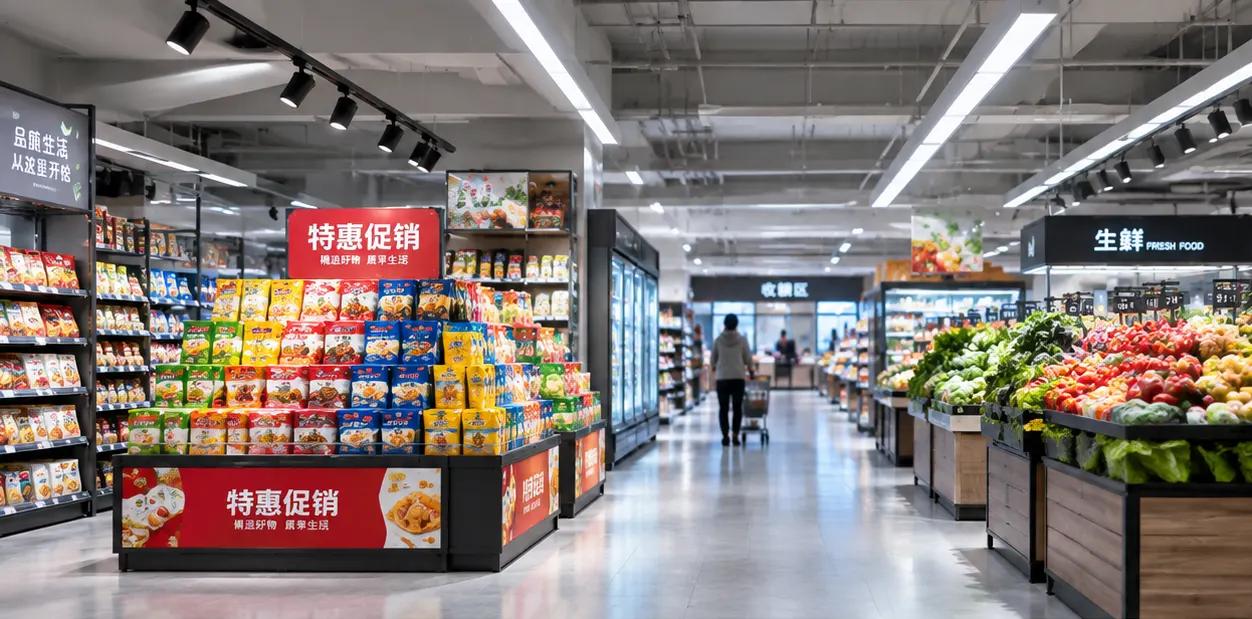
Seasonal or promo variants hang off the same five: Casambi Retail runs Warm Scene 2700K on the focal point, Neutral 3000K on displays and Circadian 2700-4000K on the general floor across the trading day, and a Christmas or produce-hall seasonal scene simply re-tints the Trading levels. Keep the count low — Store Flex gives 32 indoor scenes per area but chains that standardise on five deploy cleanly across 500 stores; chains that author 20 per store never converge.
Zoning: Sales Floor, Back-of-House and Outdoor Run Separately
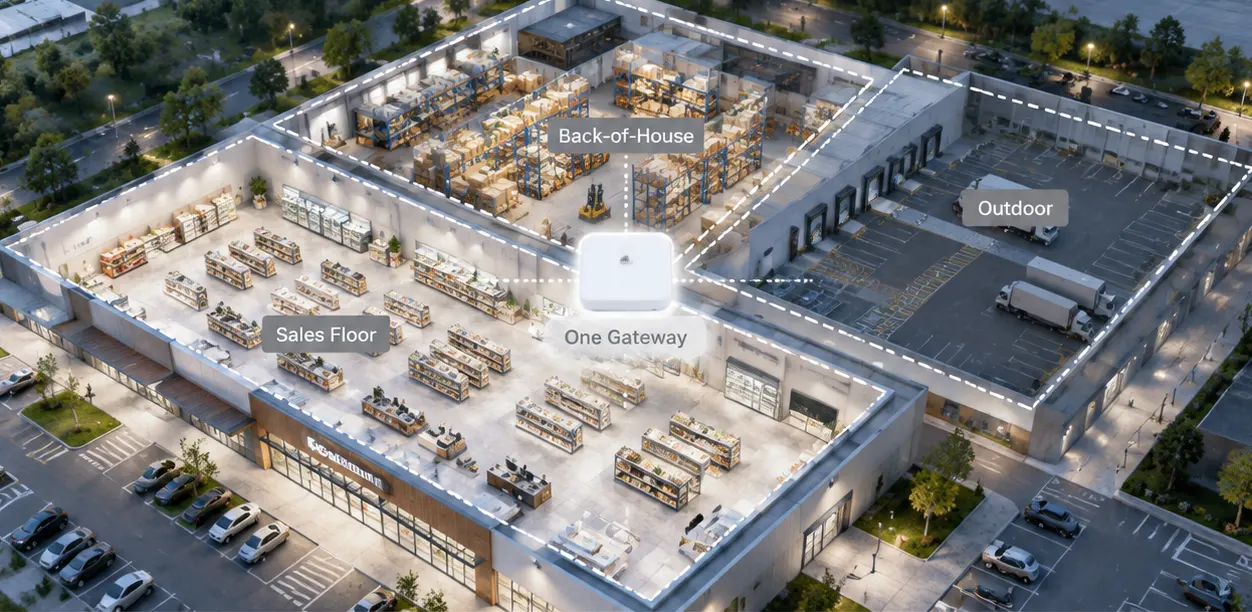
One schedule cannot serve three occupancies. Store Flex formats define up to three areas — Sales Floor, Back-of-House, Outdoor — each with 48 zones as logical channels (Bakery, Meat, Cash Registers, Aisles as channels) and each recalling its own scene at the same clock time. A Sales Floor Baking zone can hold 100% for morning bread while the neighbouring Meat counter dims, because they are separate channels on the same mesh or same DALI bus.
| Area | Typical zones / channels | Scene freedom | Why separate |
|---|---|---|---|
| Sales Floor | 200-1000 points; Bakery, Meat, Produce, Aisles, Cash Registers, Window | Trading / Stocking / Cleaning / Closed / Eco each with independent dim per zone | Trading varies by department; window needs late occupancy not sales-floor timing |
| Back-of-House | Storage, Office, Canteen, Corridors | 9 scenes; storage 100% during stocking, office 20% after hours | Visual task is cart and desk, not shopper comfort; presence 10 min hold in storage |
| Outdoor / Plaza | Facade, Parking, Signage | Day/Night mode by astronomical clock; day auto-off even if scene says on | Sunrise/sunset sets the switch, not the shop-hour clock — Store Flex day/night preset offset |
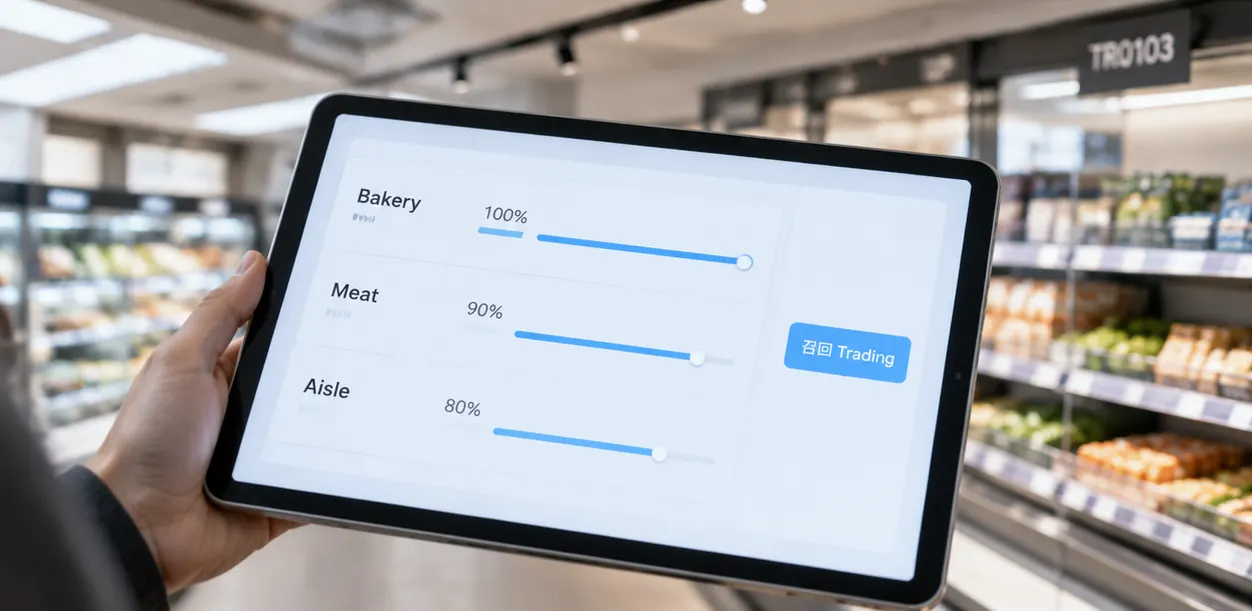
Flexibility without rewiring is the proof: BLE mesh groups by app, DALI rebroadcasts by bus address, and a MESHLE DALI adapter lets one zone mix a DALI track and a BLE downlight in the same scene. Changing Bakery from 70% to 85% Trading is a slider in Store Control UI, not a ceiling open — and that slider can be pushed as a Concept to every store of the format at once. For the wire that carries the slider value, see the TRIAC vs 0-10V vs DALI dimming guide for commercial lighting; for the eye that lifts the zone only when someone is there, see how to pick PIR, microwave or presence.
How Schedules Run: Day, Week, Calendar and Sensor Stack
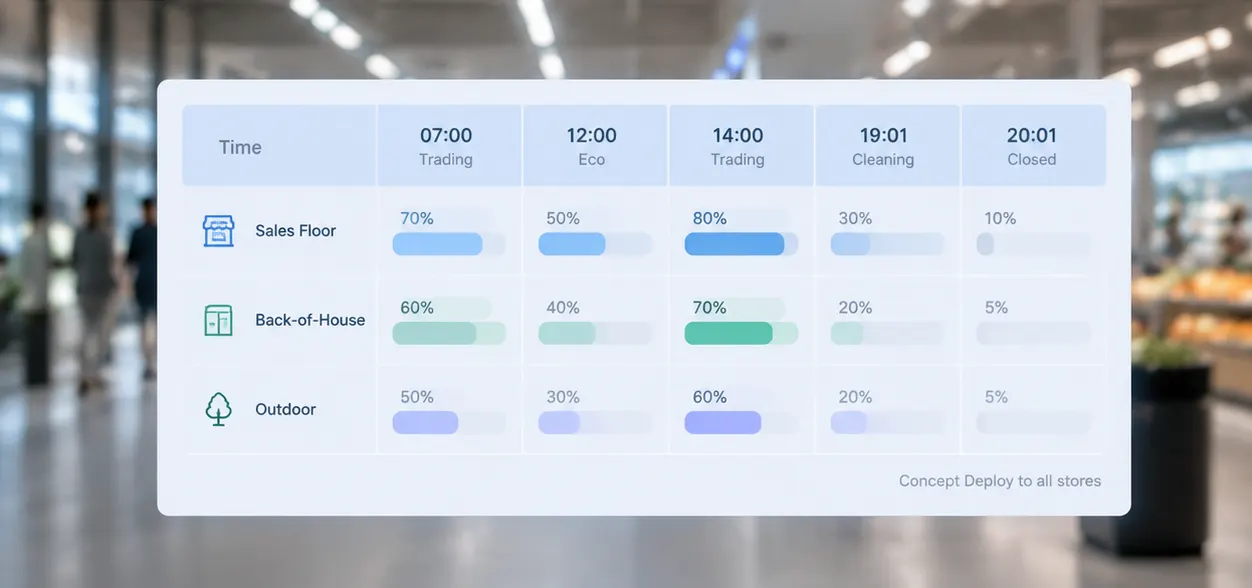
A schedule is just a named list of scene recalls by time. Store Control UI keeps Day schedules plus a Calendar view: assign a schedule to Monday and it repeats each Monday, drop a different schedule on 25 December and only that date changes. One Day schedule holds the day's spine — for example Trading 07:00, Eco-Trading 12:00 peak, Trading 14:00, Cleaning 19:01, Closed 20:01 — each recall ends the previous scene automatically, with an optional 0-6 second fade so shoppers do not see a snap.
- Daylight stacks on schedules — closed-loop photocell subtracts daylight per zone and trims electric output while the schedule still says Trading; LBNL by-analogy 28% on skylit produce halls is the directional ceiling.
- Occupancy stacks on schedules — microwave/PIR/mmWave keeps Trading at 100% when someone is in the aisle and drops to 10-30% vacancy after 2-5 min hold; by-analogy 24% commercial mean, doubled when hold falls from 15 to 2.5 minutes.
- Time zone and DST matter — the Ethernet gateway syncs location time via GPS coordinates at commissioning; a gateway an hour off runs Closed in daylight. Sync on orange exclamation in Multisite.
- Manual override respects the clock — tapping a scene on the tablet overrides that area for two hours then returns to Auto; tapping Auto returns immediately. No area stays forgotten in override overnight.
- Offline-first survives the uplink — MESHLE and Casambi mesh store schedules locally; no cloud or Wi-Fi is needed for the recall, and the 600-store UK refit kept trading through overnight restock when the uplink stuttered.
| Layer | What it adds to the schedule | Field saving signal |
|---|---|---|
| Schedules alone | 5 scenes by clock, 3 areas independent | Interact 20-25% lighting energy; Store Flex 32 scenes / 100 schedules is the headroom |
| + Daylight harvesting | Per-zone lux hold while Trading | About 28% by-analogy on skylit halls; EN 17037 and EN 12464-1 set target lux |
| + Occupancy | Vacancy dim to 10-30% after hold | About 24% by-analogy; UK estate £4.2M/yr at half converted |
| + Both stacked | Occupied daylight trim plus vacancy dim | About 38% by-analogy; CAIMETA AIscene +34% vs scheduled alone over 12 months and 45 sites |
What to Specify for Supermarkets and Chain Stores
Use the 10-line intake check that Store Flex, Casambi and MESHLE all converge on — if the brief cannot answer one line, the schedule cannot run.
- Format and count — name the format (supermarket 500-3000m², 200-1000 points) and number of stores in the estate; it sizes nodes per gateway and the rollout Concept.
- Areas and zones — list three areas and every logical channel by name (Bakery spots, Bakery counter as separate channels); channels must keep the same name as the zone for the UI.
- Five scenes with levels — write the dim per zone for Trading/Stocking/Cleaning/Closed/Eco now; hidden presets cost nothing, authoring after handover costs weeks.
- Day and Night mode for Outdoor — tick Day/Night on the Outdoor area and let the astronomical clock offset the recall; do not duplicate Outdoor schedules by hand.
- Sensor stack per zone — tag each zone daylight yes/no and occupancy sensor type (PIR 30-120s corridor, microwave per aisle, mmWave where still presence matters) — it decides 20-25% vs 38%.
- Protocol per zone — BLE mesh wireless where ceilings stay closed and trade keeps running, DALI wired where 64 addresses per bus and 300m suit a new build, or MESHLE DALI adapter to schedule both from one app.
- Gateway and BMS hand-off — PDDEG-S for cloud Multisite; if BMS takes schedules, disable schedules in Store Control UI and hand the clock to BMS — do not run two clocks.
- Location and time — provide GPS coordinates and time zone at intake for DST and sunrise/sunset; sync on commissioning and on orange clock warning.
- Calendar exceptions — name bank holidays and Sunday hours that need a different Day schedule; Store Flex calendar applies one date without breaking the weekly spine.
- Deployment plan — define the Concept and per-format schedule set once, then deploy to all stores of the format in one go — bulk update is the whole value of a chain schedule.
The Fixtures That Prove This Scheduling Guide
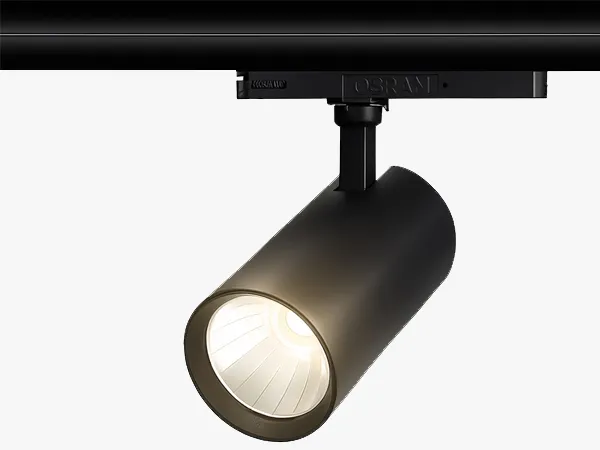
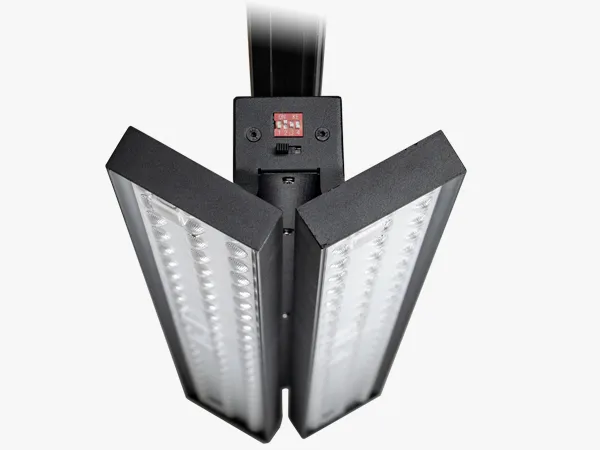
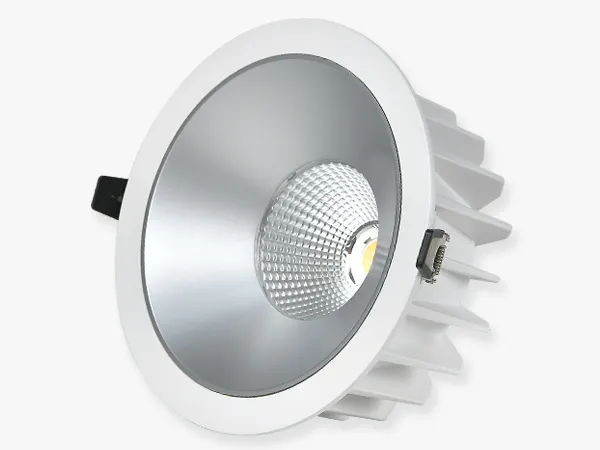
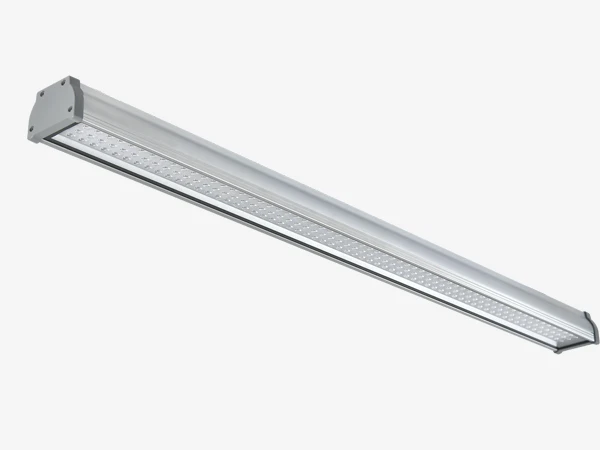
A schedule without a shelf item is a calendar without a clock. The VUE-S TR0103 20/25/32W up to 4500lm at 145lm/W, CRI Ra90, 15/24/36° covers the track accent that Trading pushes to 100% on hero and promos and Eco pulls to 80%; the PANE-P LL1615 40-70W up to 11000lm at 165lm/W dual-panel 360°/±90° covers the supermarket aisle wash that schedules wash equally from one track point. The DL01-BLE 10-30W up to 4300lm at 150lm/W, UGR22 Ra90, 4000-node BLE mesh with 1-100% flicker-free dimming is the ambient proof for the wireless schedule — it pairs by power-cycle, binds to a wall panel in three taps and recalls the same five scenes locally without a cloud. The FORT-A 80-200W at 170lm/W, IP65/IK08, 50x100° optics with DALI and 60° high-temperature driver option is the back-of-house proof for the wired schedule — per-aisle occupancy plus daylight on one DALI bus, the same bus Store Flex addresses with 64 points per segment. All four sit on the same scene set; only the radio or the pair of wires differs. Order by area first — Sales Floor Trading versus Back-of-House Stocking versus Outdoor Day/Night — then let the fitting follow the schedule and whether the brief writes “chain-wide Concept”.
FAQ
Conclusion
Write the five scenes before you buy a single driver: Trading for the shopper, Stocking for the cart, Cleaning for the mop, Closed for the passer-by and Eco for the tariff peak. Give each of Sales Floor, Back-of-House and Outdoor its own schedule, stack daylight and occupancy on the Trading hours, and let the calendar exception carry the holiday. The payback is then a clock problem — 20-25% from dimming scenarios alone, about 38% with both sensors by LBNL analogy — not a lumen argument. For the wireless path that carries that clock with no new signal cable, see our BLE mesh system for retail schedules; for the next eye that makes the same schedule presence-aware, see our sensor comparison for commercial spaces.
The scheduling split is the point chain buyers miss: five scenes live per zone on BLE mesh groups or DALI broadcast addresses, and one Store Control UI Concept pushes the same Day and Calendar set to every store of the format. That is what turns local dimming into a chain-wide clock without reopening ceilings.
Sources
- According to the Bluetooth SIG, Basic Scene Selector NLC Profile 1.0.1 (2024), scenes act as presets of light levels per zone and recall on schedule or by user action.
- Signify Interact Retail reports 20-25% lighting energy cut from dimming scenarios alone; Store Flex provides 32 indoor scenes and 100 schedules per format.
Send Message
Fill out the form and we will get back to you as soon as possible