Low-CarbonIndustry News
BLE Mesh Bulk Commissioning Guide for Lighting Projects
Introduction
This ble mesh bulk commissioning guide for lighting projects answers the question contractors ask before every rollout: how do 500 fittings join the network without pairing them one by one at the top of a ladder? The short answer is two parallel paths — a phone app that discovers a whole zone at once, and a wall dimmer that binds its group with one power cycle. Both paths come from the same BLE mesh wireless dimming solution for retail stores, and both can stay live on the same fittings.
- Phone path — discover a zone, ON-OFF-ON pairing, Done — no ladder-top pairing per head.
- Wall path — hold the group key, power the zone, flashing means bound in 3 steps.
- Timer path — scenes are manual; only scheduled timers need the gateway online.
Before You Start: Three Site Premises
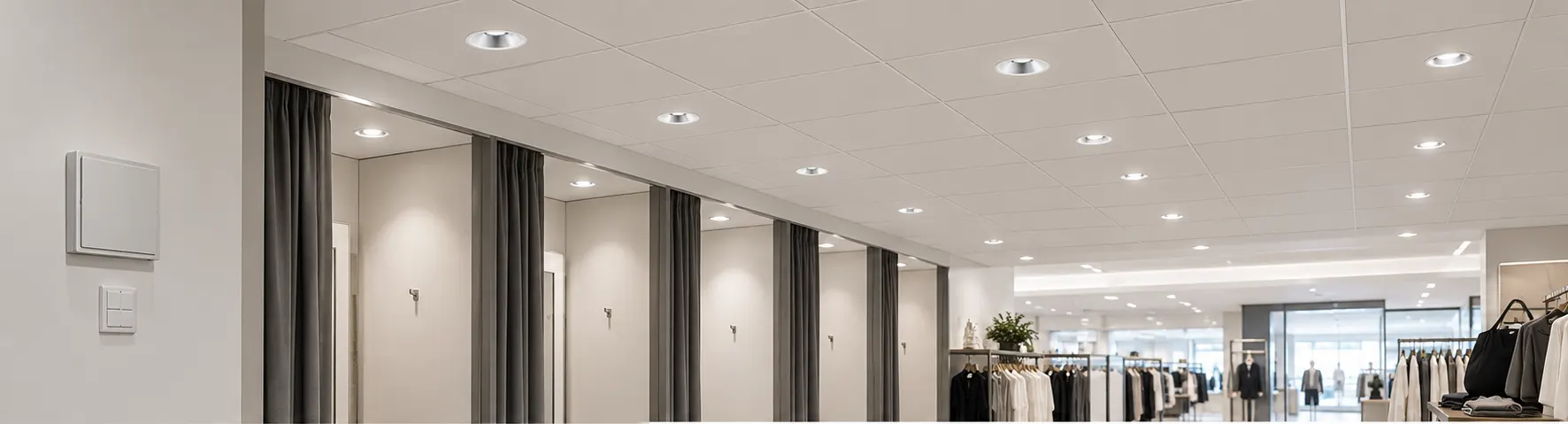
Bulk speed starts before anyone opens the app. Walk the site once and confirm the three premises below — nearly every failed pairing traces back to one of them, not to the fittings.
- Zone by breaker — group fittings by area first, with each zone on its own power switch, so ON-OFF-ON pairing hits exactly one zone.
- 2.4G WiFi only — the gateway joins 2.4GHz networks; keep the WiFi name and password free of special characters and join the phone to the same network.
- AAA batteries fitted — the wall dimmer runs on AAA cells; fit them before binding so key holds register on the first try.
Pair with the Phone App in Five Steps
The app path suits first-time commissioning: one technician with a phone binds a full zone while standing on the sales floor. Already-bound fittings never appear twice, so re-running discovery is safe — the list only shows heads that still need joining.
- Open My Home, select the target zone, and tap the + button at the top right.
- Choose Add Device, then the Luminaire category.
- Flip the zone breaker ON-OFF-ON with 2-3 seconds between flips to put the zone into pairing mode.
- Wait until the app list shows every fitting in the zone.
- Tap Done — the whole zone is bound in one shot.

Unbinding runs in reverse through Zone Management: open the scene page menu, enter the zone list, tick the fittings — or Select all — and tap Delete device. The fitting drops off the mesh immediately and becomes pairable again for the next zone.
Bind the Wall Dimmer in Three Steps
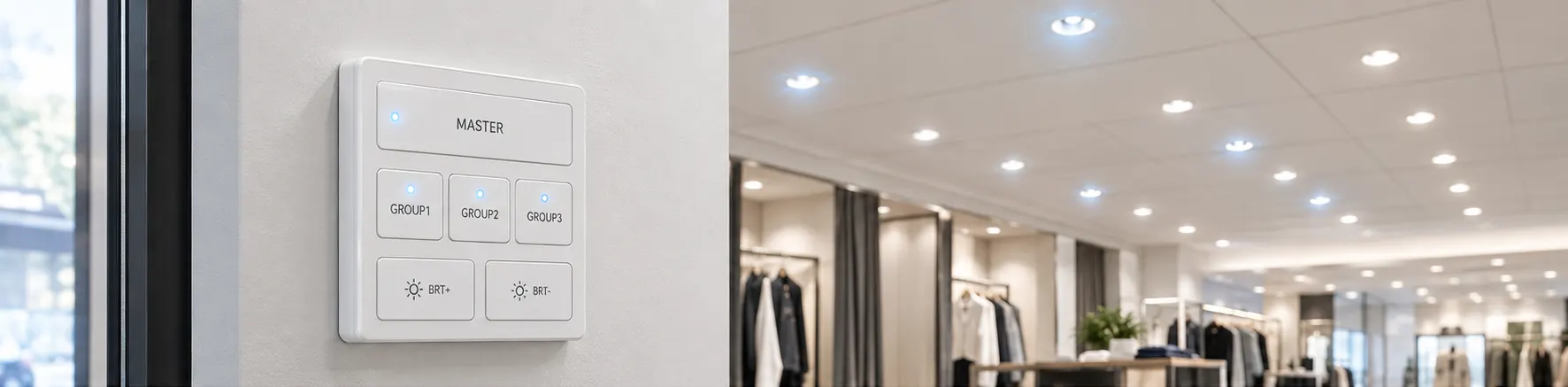
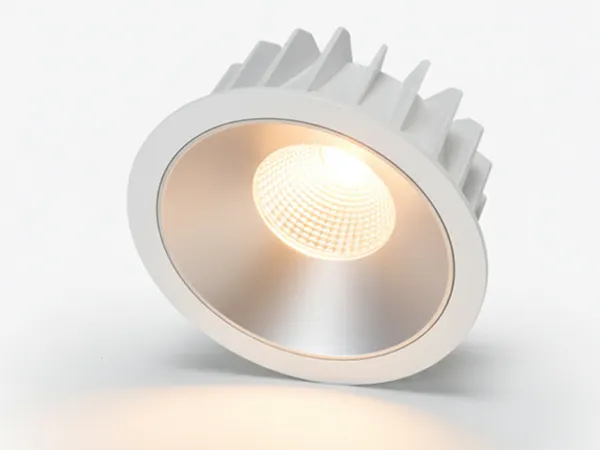
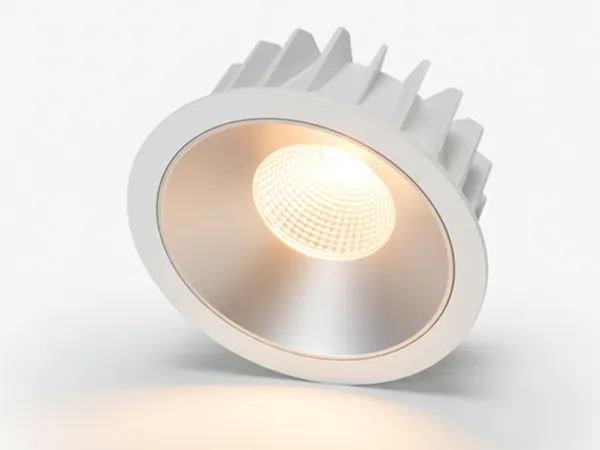
The wall path suits hand-over and daily use: no phone needed, and staff keep physical keys at the door. Learn the three keys once — MASTER for everything, GROUP1-3 per zone, BRT+/- for levels — and the panel covers the whole store. The DL01-BLE downlight with phone and wall-switch control answers to both paths at once, so a zone paired by app still obeys the wall keys.
| Key | Press | Result |
|---|---|---|
| MASTER | Short press / 3-second hold / 5 quick presses | All on-off / select all / unbind the zone |
| GROUP1-3 | Short press / 3-second hold | Zone on-off / select that zone |
| BRT+ / BRT- | Hold while a zone is selected | Raise / lower the selected brightness |
- Hold the GROUP key for the target zone without releasing it.
- Switch that zone breaker on.
- Steady flashing means the zone is bound — release the key.
Unbinding needs one precaution first: switch the zone off and wait at least 5 seconds for the driver capacitors to discharge, or the unbind fails silently. Then power back on and press MASTER 5 times in quick succession — flashing confirms the zone is released.
Scenes and Timers: What Needs the Gateway
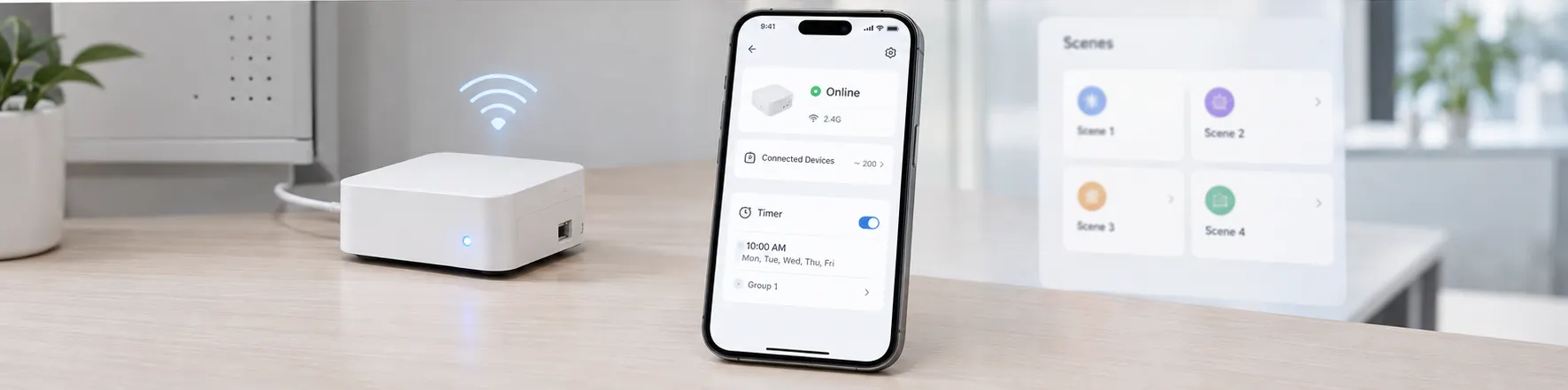
Day-to-day control never touches the gateway: tap a scene card to apply its saved brightness, or drag the zone slider under Devices for a live override — saving flashes the fittings to confirm the memory. Only scheduled timers ask for the gateway, so quote the gateway per site only where opening-hour automation is specified.
- Add the gateway under Add Device, join it to the 2.4G WiFi, and confirm it shows Online.
- Open the gateway, tap Timer, then + Set timer with time and repeat cycle.
- Pick Group mode for per-zone brightness or Scenes mode to auto-call a preset scene, then save.
Scale Tips for 500-Light Sites
Five hundred fittings behave like five zones of one hundred, not one zone of five hundred. Plan the split on the breaker schedule before arrival: one breaker per sales zone keeps ON-OFF-ON pairing surgical, and each mesh network stays comfortable near one hundred nodes with roughly 15 m between relaying fittings. A single gateway typically serves around two hundred devices, so a 500-light store lands on three networks and three timers — commissioned zone by zone in one visit. For what each saved hour is worth against wired labour, see the BLE mesh retrofit cost breakdown against wired DALI.
Get the Full Manuals
This guide covers the site flow; the printable PDFs carry every screen and key press for the crew folder. Both manuals also live with the other BLE user manuals in the download library.
FAQ
Conclusion
Bulk commissioning is a discipline problem, not a ladder problem: zone the breakers, pair by phone, bind the wall keys, and let the gateway handle only the clock. Run the same loop per zone and a 500-light store commissions in a single visit — with the full PDFs in the crew folder for anything this guide compressed. Still choosing the radio itself? See the Zigbee BLE WiFi protocol comparison for refits before ordering hardware.
Live floors stay open while one breaker-isolated zone pairs by phone at a time. Five zones of one hundred commission independently, with the wall keys bound to the same fittings for hand-over.
Sources
- According to the Bluetooth SIG, Networked Lighting Control (2026), phone commissioning apps talk directly to nodes for zone-by-zone pairing on live floors.
- Each mesh network stays comfortable near one hundred nodes with one breaker per sales zone; manual scenes run without the gateway and only scheduled timers need it Online.
Send Message
Fill out the form and we will get back to you as soon as possible